Markdown Quick Look for Mac
Quick Look for Markdown. Just press Space.
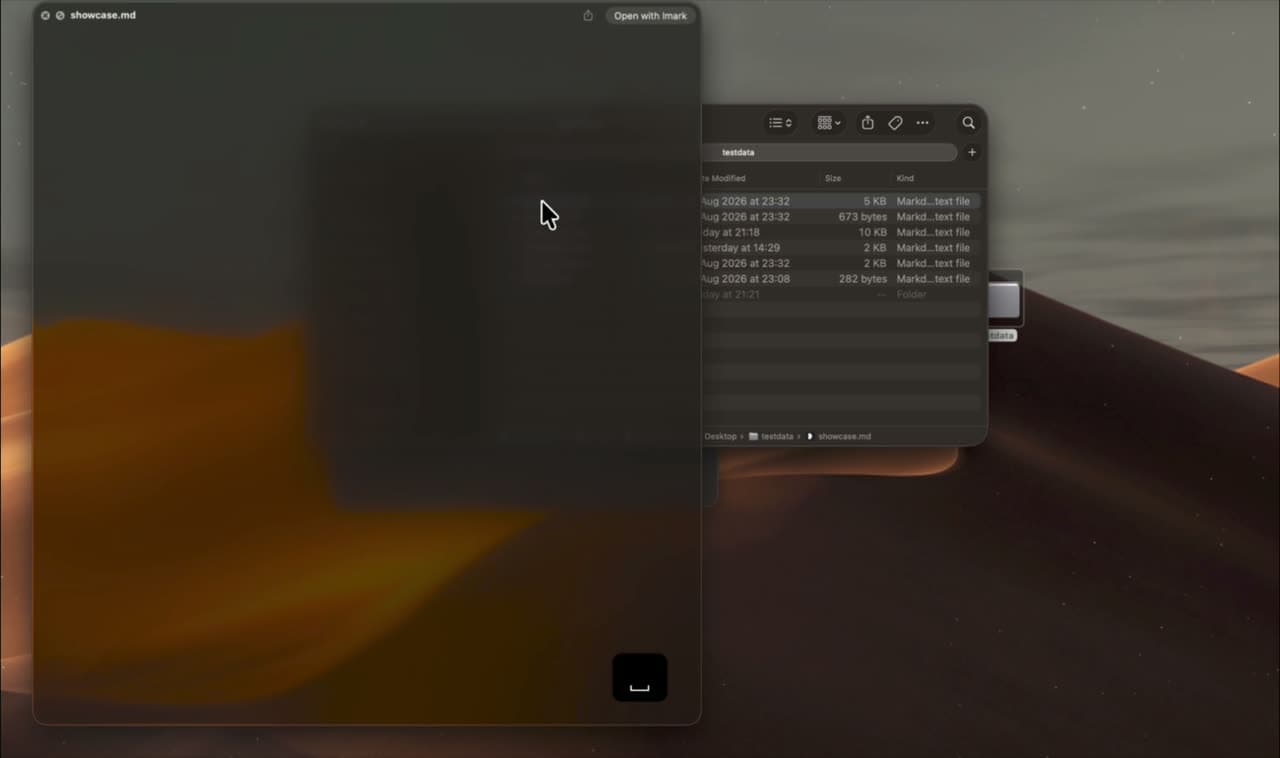
macOS shows .md files as raw text. Imark adds a Markdown Quick Look extension: select a file in Finder, press the space bar, and read the rendered document without opening an app. It is free, open source, and works without an internet connection.
macOS 14+ · 6.7 MB
Updated
Set it up in under a minute
The extension registers itself with macOS the first time the app runs. There is nothing to configure and no account to create.
1. Move Imark to Applications
Open the disk image and drag Imark across. macOS only trusts extensions from apps that live in the Applications folder.
2. Open it once
Double-click Imark. Opening it is what registers the Quick Look extension with the system.
3. Press Space in Finder
Select any .md, .markdown or .mdown file and press the space bar. The rendered document appears.
Turn on the Quick Look extension in System Settings
macOS keeps a switch for every Quick Look extension installed on the machine, and Apple moved that switch between releases. Imark needs macOS 14 Sonoma or later, so there are two places it can be. If you are not sure which release you are on, click the Apple menu, then About This Mac.
macOS 15 Sequoia and later
Open System Settings, go to General, then Login Items and Extensions. The Extensions list sits at the bottom of that pane. Click the info button beside Quick Look and switch Imark on.
macOS 14 Sonoma
Open System Settings, go to Privacy and Security, then Extensions, then Quick Look, and tick Imark in the list that appears.
Imark is not in the list at all
Then macOS has not registered the extension yet, which is an install problem rather than a settings one. Move the app into Applications, open it once, and look again.
What the preview actually renders
Quick Look uses the same renderer as the Imark window, so a preview is not a stripped-down version of the document. That includes Mermaid diagrams and KaTeX maths.
Structure and tables
Headings, lists, task lists, blockquotes, and GitHub-flavored tables, laid out as a document rather than as punctuation.
Code and diagrams
Syntax-highlighted fenced code blocks, and Mermaid flowcharts, sequence diagrams and state diagrams rendered inline.
Maths and images
KaTeX for inline and display equations, and local images referenced by the document when macOS grants access to them.
Quick Look is not working for Markdown: what to check
Six things account for almost every case, in the order worth checking. The first three are free; the last three need Terminal or a restart.
The app is not in Applications
Quick Look extensions from apps sitting in Downloads or on the mounted disk image are often ignored. Move Imark into Applications, open it once from there, and try the space bar again.
The extension is switched off
Check the switch in System Settings using the path for your macOS release above. A new extension is not always enabled the moment it is installed, and a macOS upgrade can switch one back off.
You are pressing Space on the wrong thing
Quick Look previews the selected file, not the open window. Click the file once in Finder so it is highlighted, then press the space bar. If a text field anywhere has focus, the space bar types a space instead.
Another extension is winning
Only one extension gets to draw the preview for .md files. Another Markdown previewer will take the space bar, and so will Xcode, which claims .md when it is installed. Turn the other one off in the same Extensions panel, or make Imark the default app for .md files.
macOS is holding an old preview
Quick Look remembers what it drew before, so a file you previewed as raw text yesterday can keep coming back as raw text. The reset sequence below clears that.
The file is somewhere macOS will not read
A document inside another app sandbox, on a disk image that has since been ejected, or in a folder Imark has never been granted access to, can preview as an empty page. Copy it to your Desktop and press Space there to rule this out in ten seconds.
Reset Quick Look with qlmanage, and check that it worked
When the switch is on, the app is in Applications and the preview is still wrong, the problem is almost always cached. These three commands go in Terminal, which is in Applications, then Utilities. Run them one at a time.
qlmanage -r
qlmanage -r cache
pluginkit -mAvvv -p com.apple.quicklook.preview
qlmanage -r
Tells macOS to reload its list of installed Quick Look generators and extensions. This is the one to run after installing or moving an app. It prints a line confirming it reset the Quick Look server, and previews are handled by a fresh process from then on.
qlmanage -r cache
A second, separate reset that empties the thumbnail cache: the small rendered images Finder shows in icon and column view. Run it when the previews are right but the icons are still the old ones. Finder redraws thumbnails as you browse, so expect a moment of plain icons afterwards.
pluginkit -mAvvv -p com.apple.quicklook.preview
Lists every Quick Look preview extension the system knows about, one per line, with the path to the app it came from. A plus sign at the start of a line means enabled, a minus means disabled. If Imark is absent, macOS never registered it; if it is there with a minus, the System Settings switch is off.
The real check is the space bar
Select a .md file in Finder and press Space. If it renders, you are done. If nothing changed after all three commands, log out and back in, which restarts the Quick Look machinery more thoroughly than qlmanage can.
Why Xcode takes over the Markdown preview
This is the most common single cause on a developer Mac, and it looks like a bug in whatever you just installed. Xcode registers itself as a handler for .md files when it is installed, so a Markdown file gets Xcode's icon, opens in Xcode on a double-click, and previews through the space bar as source code with line numbers rather than as a document. Nothing is broken; the wrong app simply owns the file type.
/System/Library/Frameworks/CoreServices.framework/Frameworks/LaunchServices.framework/Support/lsregister -kill -r -domain local -domain system -domain user
Point .md at the app you want
Select any .md file in Finder, press Command-I for the Info window, choose Imark under Open with, then click Change All and confirm. That covers every .md file on the Mac, including ones inside a cloned repository.
Turn the losing extension off
If the preview still comes back as source, go to the Quick Look list in System Settings and switch off the other extension there, then run qlmanage -r.
When the Info window will not stick
The Launch Services database that records which app owns which file type occasionally gets stale, and Change All appears to do nothing. Rebuilding it is a last resort: it takes a minute, and Finder icons across the whole Mac redraw afterwards.
How it compares to the other ways of doing this
There are three routes to a rendered Markdown preview in Finder, and they suit different people. Prices below were checked on the US Mac App Store on 18 August 2026.
A standalone Quick Look extension, free
QLMarkdown is free, open source under GPL-3.0, and still shipping. It previews .md, .rmd, .mdx, .mdc and .qmd files, with Mermaid and MathJax, and gives you no window to read a long document in, no outline and no comments. Its own README says it is not meant as a standalone viewer.
A Mac App Store previewer, 1.99 to 9.99 USD
Markdown Preview - Quick Look is 1.99 USD, Peekdown 3.99, Markdown Quick Look 4.99, and Marked QL 9.99, which adds MathJax, Mermaid and a table of contents inside the preview and needs macOS 13 or later. MD-Viewer is free. Most of them stop at the preview.
A reader with a Quick Look extension, free
Imark is both: the space bar preview in Finder, plus a full window with tabs, outline, search, comments saved into the document and PDF export when a file needs more than a glance. The comparison puts all of them in one table.
Nothing is fetched while a document renders
The renderer, the code highlighting, Mermaid and KaTeX are bundled inside the app, and remote requests from document content are blocked. That is what makes the preview work on a plane, and what keeps a private specification private. If you are still choosing an app, the comparison covers the alternatives.
Questions
What people want to know.
Does macOS preview Markdown by default?
No. macOS shows the raw text of a .md file. A rendered Quick Look preview needs an extension, such as the one included with Imark.
How do I enable the Quick Look extension?
Move Imark to Applications and open it once. If the preview still does not appear, check System Settings, then General, then Login Items and Extensions, and confirm Imark is enabled under Quick Look.
Does Quick Look work without an internet connection?
Yes. The renderer, code highlighting, Mermaid and KaTeX are bundled with the app, so previews work on a plane.
Can Quick Look show Mermaid diagrams?
Yes. Mermaid blocks render inline in the preview, using the same renderer as the main window.
Why does the space bar show raw text instead of a document?
Another Markdown Quick Look extension is probably registered for .md files, or Imark is not in the Applications folder. Turn off the other extension, move Imark across, and open it once.
Is there a free Quick Look extension for Markdown?
Yes. Imark is free and open source, and QLMarkdown is another free option. Imark also gives you a reading window, comments and PDF export beyond the preview itself.
What does qlmanage -r do?
It tells macOS to reload the list of installed Quick Look generators and extensions, so a newly installed or newly moved app is picked up without a restart. It changes no files of yours. qlmanage -r cache is a separate command that empties the cached thumbnails Finder draws in icon view.
Where is the Quick Look setting in System Settings?
On macOS 15 Sequoia and later it is under General, then Login Items and Extensions, in the Extensions list at the bottom. On macOS 14 Sonoma it is under Privacy and Security, then Extensions, then Quick Look.
Why does Quick Look open my Markdown file in Xcode?
Xcode registers itself as the handler for .md files when it is installed, so it wins both the double-click and the space bar preview and shows the file as source. Select a .md file, press Command-I, choose another app under Open with, and click Change All.
How do I check the Quick Look extension is installed?
Run pluginkit -mAvvv -p com.apple.quicklook.preview in Terminal. It lists every Quick Look preview extension the system knows about with the app it came from, and a plus at the start of the line means it is enabled.
Keep exploring Imark
Open .md files on Mac
How to Open a Markdown (.md) File on Mac: 4 Ways
Four ways to open a Markdown file on a Mac, compared: TextEdit, an editor preview, Quick Look in Finder, and a free viewer. Plus how to set the default app.
Read the guideTechnical Markdown
Free Markdown Viewer with Mermaid and KaTeX for Mac
Read Markdown with Mermaid diagrams, KaTeX maths, highlighted code, tables and local images. Free, open source, and rendered entirely on your Mac, offline.
Read the guideChoose a Markdown app
Best Markdown Viewer for Mac: 9 Compared (2026)
Nine Mac Markdown apps compared in 2026: Imark, MacMD Viewer, Marked, QLMarkdown, Typora, Obsidian, MacDown and iA Writer, with prices, Quick Look and Mermaid.
Read the guideRead Markdown like a document.
Download Imark for a focused Markdown reader that also lets you fix a line when you need to.
Download for macOS